Toon Tone Multiplayer: Play with Friends, Room Codes, and Login
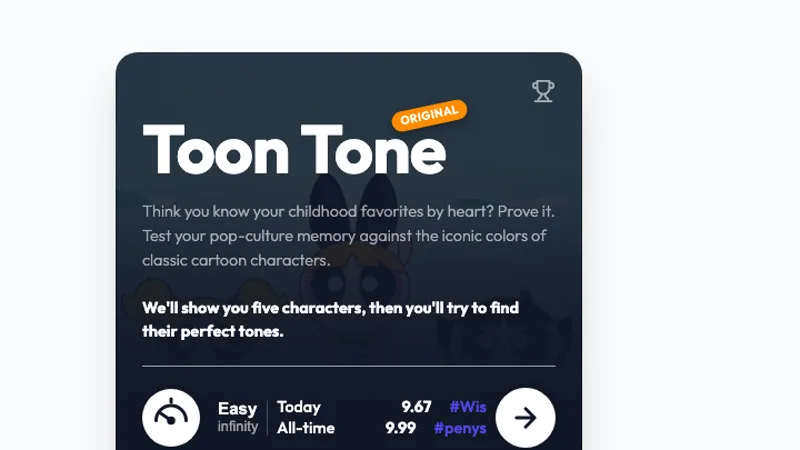
Toon Tone's original game includes Online Multiplayer on its opening screen. Selecting it reveals a live color duel panel with a player-name field, matchmaking, and custom game codes. These controls were checked on September 6, 2026. The developer can change the interface, so follow the labels currently shown in the game.
How to play with a friend
Open the original game and select Online Multiplayer. The panel shows Get Code for a custom game and an Enter Code field with Join Code for the other player. The host can choose a category before requesting a code. Share that code privately with the person you want to play with, and have them enter it on their own device.
Use the same source site and the same mode. A code from a different game or an earlier session may not belong to your current room. Keep the host's tab open while the other player joins, and check the in-game status before assuming the round has begun.
The other option, Find Opponent, is the public matching flow. The panel asks for a player name before finding a match. Choose that when you want an opponent from the game's queue rather than a specific friend.
Do I need a Toon Tone login?
The multiplayer panel we checked asks for a display name and game code, not a password. Entering a player name is different from signing into an account. The Toon Tone portal here and the original game's services are separate; do not assume a portal sign-in transfers a profile or score to the game.
You can open the game and its solo controls without signing into this site's account. If a future game feature asks you to sign in, read which domain is requesting it and what that feature saves. For playing on a phone, see the mobile and download guide.
Make the comparison fair
Before starting, agree on a category and difficulty. Familiarity with cartoons can matter as much as color control, so an expert in one franchise may have an advantage in that pool. Take turns choosing subjects if you want a broader contest.
Read the requested character part aloud only if both players have agreed to discuss prompts. A character's skin, clothing, and accessories can all have different answers. The character guide shows why identifying the target part matters.
What if a friend cannot join?
First check the code for a typing error and confirm that both tabs are on the original site. Return to the opening menu if one person has entered a different mode. If the connection remains unavailable, try again later or play solo rounds and compare your results using the same settings.
For sound matching with friends, use Dialed Sound and read the Dialed guide. For a change of subject, try Flag Tone or Logo Tone.