Dialed GG Guide: Color, Sound, Scores, and Playing on Mobile
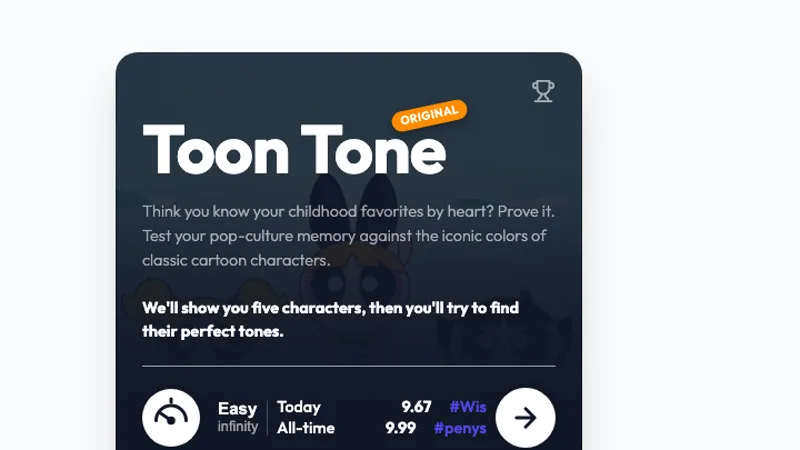
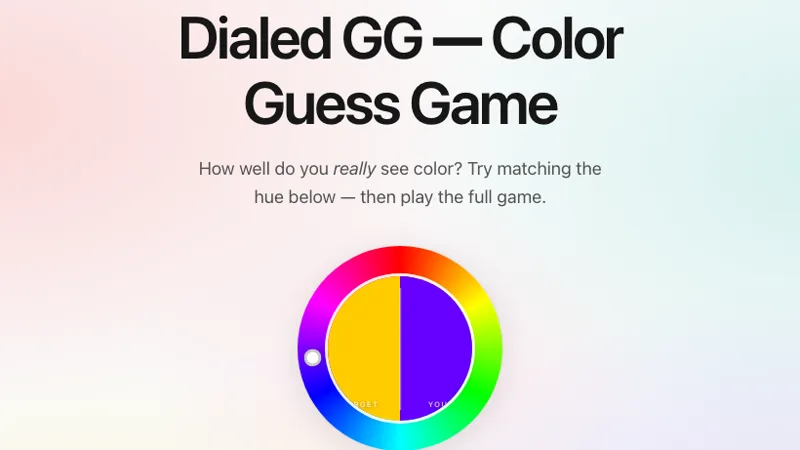
Dialed includes more than one kind of memory challenge. If you remember matching a color swatch, start from Dialed's original site. If you remember listening to notes, open Dialed Sound. If the prompt names a cartoon character's clothing or skin, you are probably looking for Toon Tone; our comparison guide shows how to tell them apart.
How to approach the color game
Study the target before recreating it. Give yourself three separate observations: the hue family, how vivid it is, and how light or dark it looks. “A muted blue leaning toward green” is a more useful memory than simply “blue.”
After the target disappears, set the broad family before making smaller changes. Adjust one property at a time so you can tell whether the preview is moving toward your memory. Avoid treating a character color remembered from another game as a reference: a standalone swatch is its own target.
What is Dialed GG Sound?
Dialed Sound asks you to hear five tones and recreate them. Its current interface offers solo play, multiplayer challenges, live rounds, and a daily challenge. The Sound page recommends headphones and enabling sound or your phone's ringer. Modes and controls were checked on September 6, 2026.
A pitch can feel familiar while still being difficult to reproduce. Listen without talking over it. When adjusting your answer, concentrate on whether it should go higher or lower instead of trying to name a musical note. Keep playback volume comfortable and consistent; volume is not pitch.
What is a good score?
Use the result scale shown by the mode you actually played. The standard five-tone Sound result is displayed out of 50, while its live mode lets the host choose a different round count. A raw total from a custom session is therefore not directly comparable with a five-round score.
For practice, compare your own sessions using the same mode, difficulty, and round count. Look for repeated improvement across several rounds. There is no single score here that establishes a percentile among all players, and a color-game score does not measure the same skill as a sound-game score.
Mobile play, downloads, and missing audio
Open the original game in a current browser. For Sound, check media volume, silent mode, the selected audio output, and whether Bluetooth headphones are connected. Tap the game's play control before expecting audio: the page may need that interaction to start playback.
If a shared link does not load, try the original address in a fresh tab. A restricted network may block a game; follow the network's rules and try again from a permitted connection. Downloading an unknown “unblocked” APK is not a required step in the browser workflow.
Tips, cheats, and playing with friends
External color pickers and recordings change the task you are testing. If you want a meaningful comparison with friends, agree on whether reference tools are allowed and use the same settings. The Sound game's live and challenge-link options are on its original page. We link there directly so you can use those controls in their intended setting.
For character rounds with friends, see Toon Tone multiplayer. For a different color format, try Hexcodle or The Daily Hue.