Toon Tone Download: Play on iPhone, Android, and PC
You do not need to download Toon Tone to play the browser game on this site. Open Toon Tone on your phone or computer and start from the game area. This site provides browser access, not an Android APK, an iOS package, or a Windows installer.
Play on Your Phone
- Open this site in Safari on iPhone or Chrome on Android.
- Move to the game area and follow its start controls.
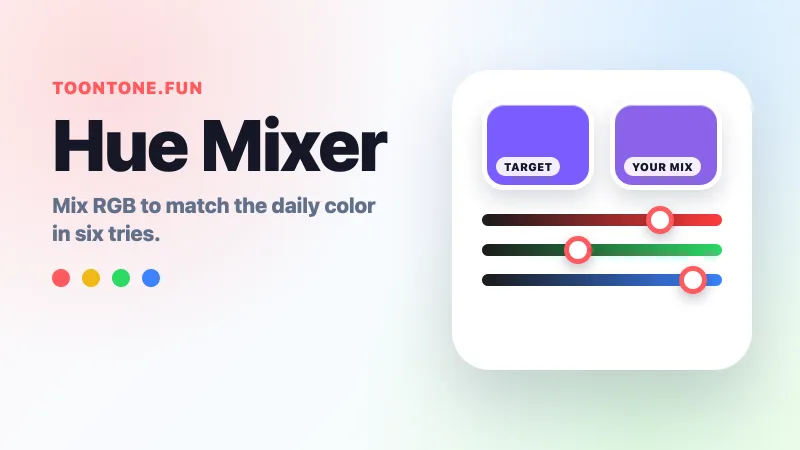
- Read the character and target part, then adjust the color sliders with your finger.
- Submit your choice and compare it with the revealed color.
If a social app's built-in browser makes the game hard to use, copy the page address into your normal browser. A wider screen or landscape orientation may also make the sliders easier to adjust.
Need help identifying the part named in a question? See the Toon Tone character prompt guide.
Add Toon Tone to Your iPhone Home Screen
In Safari, open the home page, open the Share menu, and choose Add to Home Screen. Confirm the name and tap Add. If the action is missing, Apple's instructions explain how to add it through Edit Actions. The exact menu layout depends on your iOS version. Apple's Safari guide has the current steps.
The icon is a convenient way back to the website. It does not by itself give the game offline support or connect your scores across devices.
Add a Shortcut on Android
Open the home page in Chrome. From the three-dot menu, choose Add to home screen, then Create shortcut when offered, give it a name, and confirm. See Google's Chrome instructions if your menu looks different.
A shortcut opens the browser game. An APK is not required for this route, and the shortcut does not download every game asset for offline use.
What About an App Store Download?
A matching app name alone does not establish that an app and a website share a developer. For example, the Toon Tone listing on Apple's App Store identifies FEEL APPS as its developer. This site does not present that listing as its own app.
If you want an installed app, compare the listing's developer, gameplay description, and purchases with the version you intended to play. If you simply want the browser game here, start with the play page.
Does the Old Vercel Address Still Work?
When checked on September 6, 2026, the game's former address, toon-tone.vercel.app, redirected to toontone.games. The original game announces that move on its home page. An old bookmark may therefore open a different domain without requiring any download.
If the Game Does Not Load
Reload once in your normal browser and check that your connection works. If the surrounding page loads but the game area stays empty, try the original game's page directly. If that also fails, retry later; installing a file will not fix an unavailable browser game.
On a computer, open the same Toon Tone home page and use your mouse or trackpad. For the rules, continue to how to play.